STEP 01
Apply & get your link
Log in and apply in “Affiliate links” to get your referral link. Once we approve you, visits and commissions start adding up.
ATOVIA PARTNERS
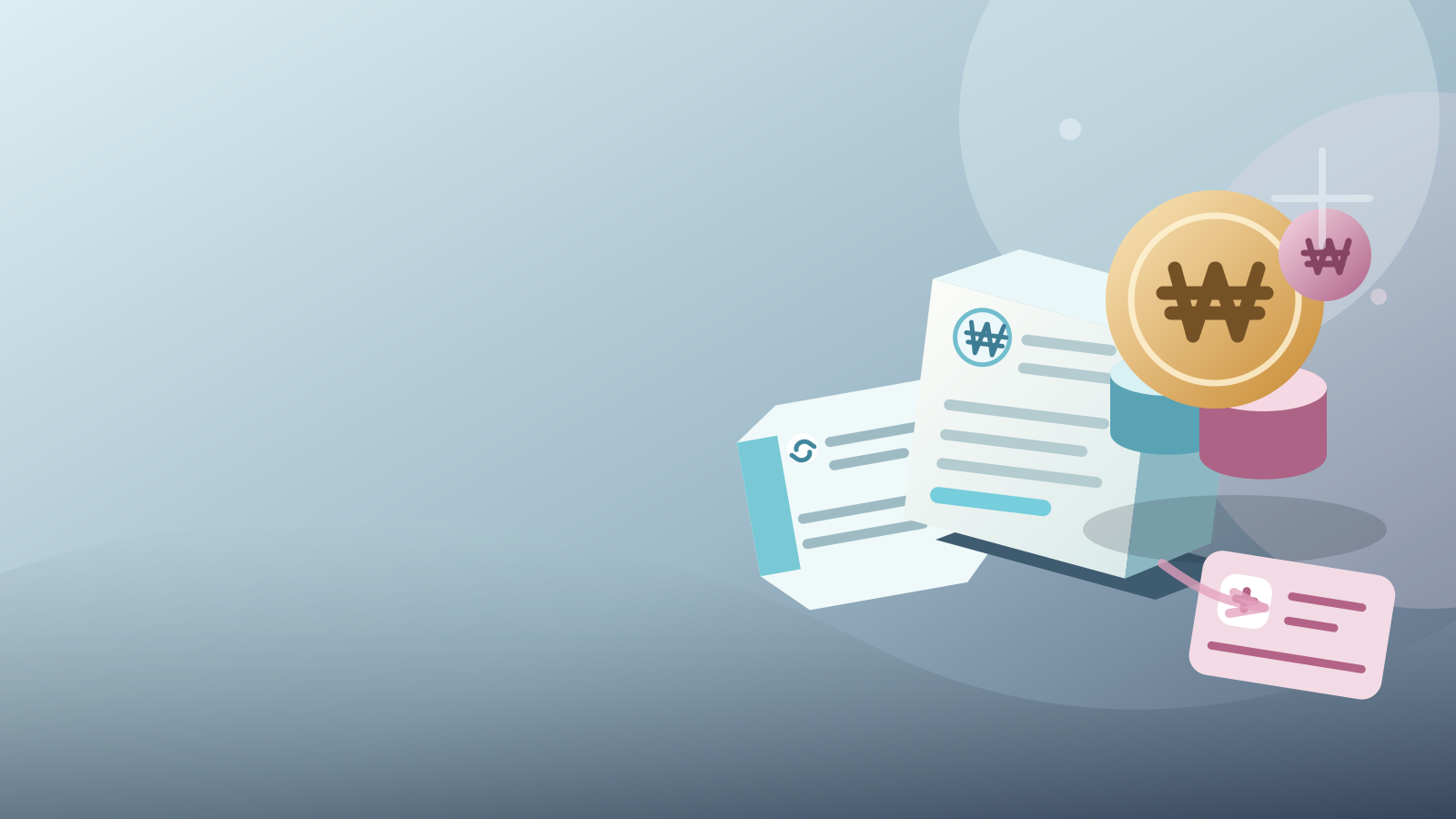
When someone who came through your link pays, part of the amount builds up as your commission.

HOW IT WORKS
Four steps from sign-up to payout.
STEP 01
Log in and apply in “Affiliate links” to get your referral link. Once we approve you, visits and commissions start adding up.
STEP 02
Post your link on blogs, social media or KakaoTalk — just not where ads are banned.
STEP 03
When someone from your link pays within a day, it shows up in “Logs”.
STEP 04
After the 30-day hold, your commission goes to your bank account, minus tax.
PARTNER DESK
Log in to handle links, logs, stats and withdrawals right away, across four screens.
COMMISSION
For digital products like courses and e-books, your rate grows as your member level rises.
Commission is calculated on the amount after discounts and points, excluding VAT. Your rate depends on your level when the payment is made, and products that earn no commission are marked, with the reason, in “Affiliate links”.
If an order is refunded during the hold, its commission is removed too. You can request a withdrawal once you have ₩30,000 or more.
TAX
Here's how it goes: request a withdrawal → we review it → bank transfer. You can request once you have ₩30,000 or more, and completed transfers show up in “Withdrawal history”.
We deduct income tax 3% + local income tax 0.3% before paying you. You'll need your legal name, resident registration number and a bank account in your own name.
Your commission includes VAT. Please send us a Korean tax invoice each time you're paid.
Same deductions as individuals.
HOW THE WORK FLOWS
Attach your link to the content you're recommending
02LogsCheck the traffic, payment and commission records that came through your link.Open Activity Log ↗Connected records pile up in one place
03PerformanceView your records by period and track your commission flow.Open Performance Stats ↗Review the flow based on those records
04WithdrawalsCheck the amount available to withdraw and your request status, then submit your request.Open Withdrawals ↗FAQ
Any ATOVIA member can apply. Log in and apply in “Affiliate links” and your referral link appears right away. Once we approve you, visits and commissions start adding up.
When someone who came through your link pays within a day. If they went through several links, the last one clicked counts. Purchases through your own link don't count.
Payments are held for 30 days. If an order is refunded in that time, its commission is removed too; once 30 days have passed, you can request a withdrawal.
Only the first payment counts.
Community points move you up. Levels and points are in the Help centre Handbook.
Don't post in communities that ban promotion or ads, or where the author has said they don't want ads. Activity in those places is restricted under the Terms of use.
Log in and apply in “Affiliate links” to get your own link. Commissions start adding up once you're approved.
Create my link